From slash commands to skills: why Claude Code is consolidating them
Slash commands are being absorbed into skills. A command is a named prompt template; a skill is a structured system. Here's when each makes sense and why the platform is shifting.
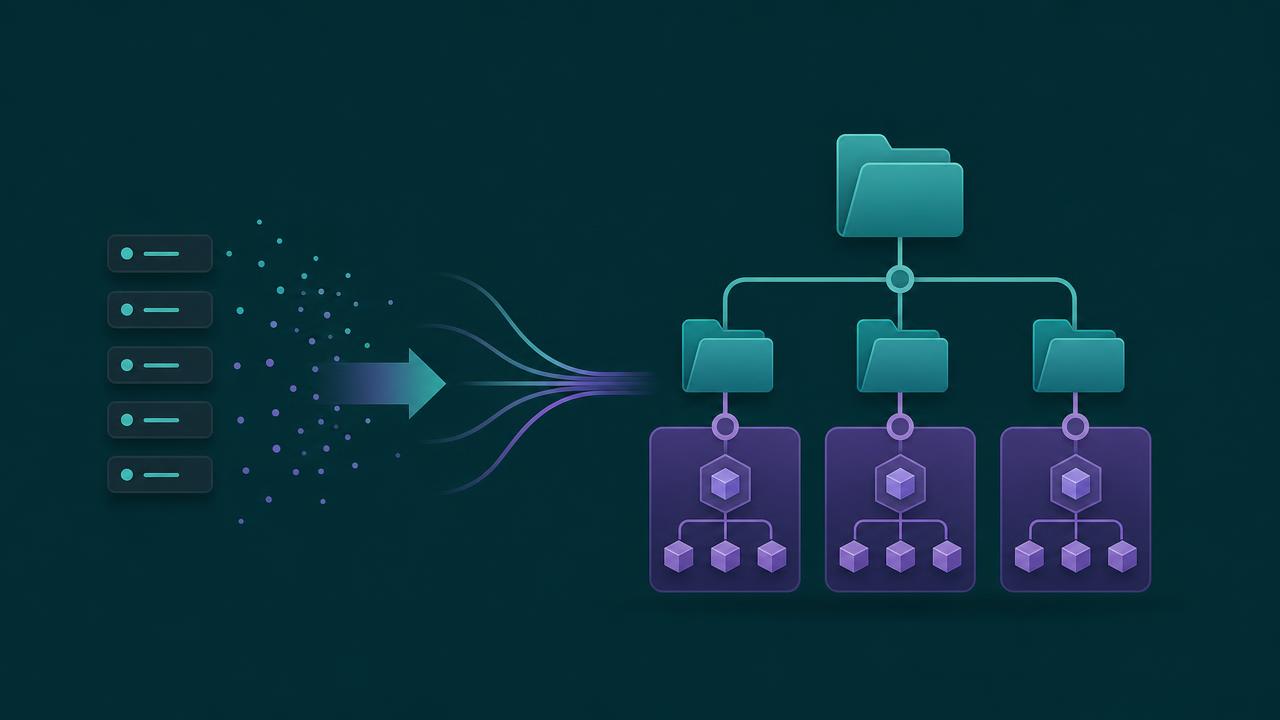
// key takeaways
- ›A slash command is a named task entry point backed by a prewritten prompt template.
- ›~/.claude/commands/ overrides .claude/commands/ (personal beats project) for security.
- ›Slash commands don't reduce context — they organize it; a command is still a prompt.
- ›Skills fold commands into a structured system: SKILL.md entry, supporting files, auto-triggering.
- ›Complex, multi-rule workflows belong in skills; simple fixed tasks are still fine as commands.
On this page
The short answer
A slash command in Claude Code is a named task entry point backed by a prewritten prompt
template. Instead of re-explaining "review this code" or "write a commit in the team format" every
time, you define it once and invoke it as /review.
The direction of the platform, though, is clear: **custom slash commands are being absorbed into
skills. A command at .claude/commands/deploy.md and a skill at .claude/skills/deploy/SKILL.md
can both produce the same /deploy entry point. Existing command files keep working, but the
official model has shifted toward skills because they solve problems single-file commands can't.
How slash commands work
A command is a Markdown file whose filename becomes the command name. Argument substitution follows
the official rules: $ARGUMENTS is everything after the command, $ARGUMENTS[N] (or $0, $1) is
an argument by position. If the template already uses any placeholder explicitly, Claude Code does
not append your arguments again.
Two scopes exist, and the precedence is the opposite of what most people expect:
~/.claude/commands/— personal commands..claude/commands/— project commands (in version control).
If both define the same name, the personal one wins. That is deliberate: project command files live in the repo, so a malicious contributor could otherwise silently override your local command with a prompt-injected variant. Personal-over-project is a security safeguard.
Two common misconceptions
- "Commands reduce context size." They don't. A command is still a prompt. What it changes is when and how consistently the context is injected, not how many tokens the information needs. They solve a context-management problem, not a compression one.
- "Commands are more powerful than prompts." The power usually came from a better-written prompt packaged behind the name, not the syntax. A command is stronger workflow packaging, not stronger model capability.
Where commands break down
Commands are bad at expressing complex tasks in a stable, maintainable way. Five failure modes show up as the workflow grows:
- Weak context organization — everything gets crammed into one
.mdfile. - No modular reuse — security rules, constraints, and templates get copied across commands, creating drift.
- No runtime injection — a command can't pull in the latest test output or build state before running.
- Giant prompts — adding rules and examples swells the file into an untouchable blob.
- Unstable behavior — with rules mixed into one block, the model decides priority itself.
Why skills win for complex tasks
A skill is a structured system: SKILL.md is the entry point, supporting files hold rules,
templates, and scripts separately, and it can auto-trigger in relevant situations or inject dynamic
context (like !./scripts/latest-test-output.sh) right before execution. That turns "stuff
everything into one prompt" into an engineering system.
In a side-by-side comparison, both a command and a skill can fix a security bug and pass tests. The difference isn't capability — it's maintainability. The command approach worked but grew into a long, hard-to-maintain prompt. The skill kept rules modular, made provenance clear, and stayed easier to extend.
Takeaway
Anything you can do with a slash command, you can do with a skill. For simple, fixed, high-frequency tasks, a single-file command is cheaper and clearer. The moment a workflow involves multiple rule sets, dynamic information, team reuse, or long-term maintenance, reach for a skill — that is the direction Claude Code itself has moved.
Source: From Slash Commands to Skills in Claude Code (zhaozhiming, AI Advances, Apr 2026). Command scopes, substitution rules, and the official shift to skills are from the source, which synthesizes the official skills documentation.
// related

Use /skill-doctor to trim Claude Code skill context safely
A practical, reversible workflow for using Claude Code's /skill-doctor report to find unused skill listings, reduce context overhead, and keep the skills that earn their place.

Superpowers for Claude Code: the workflow behind the hype
Superpowers turns Claude Code into a design-first, test-driven workflow using composable skills, worktrees, subagents, and review gates.
DeepSeek Harness vs Claude Code: the real advantage is replaceable parts
DeepSeek Harness is a developer-preview coding agent whose model, tools, sandbox, and loop are plugins. That makes it a useful experiment—not yet a drop-in Claude Code replacement.