DeepSeek Harness vs Claude Code: the real advantage is replaceable parts
DeepSeek Harness is a developer-preview coding agent whose model, tools, sandbox, and loop are plugins. That makes it a useful experiment—not yet a drop-in Claude Code replacement.
// key takeaways
- ›DeepSeek Harness is an MIT-licensed, developer-preview agent harness from DeepSeek AI.
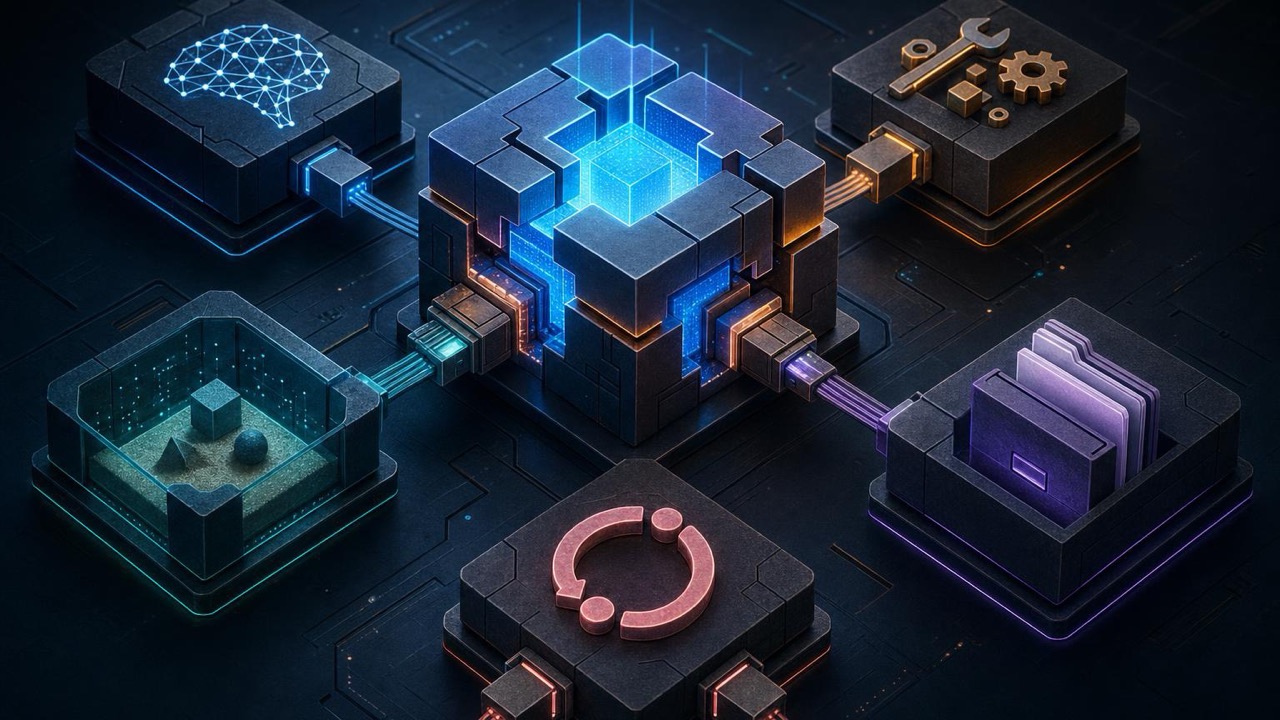
- ›Its central idea is that everything is a plugin, including the agent loop and integrations around it.
- ›The official quick start runs a local Web UI with `npx @deepseek-ai/dsh web`.
- ›Compatibility-breaking changes are expected, so treat it as a lab and extension point rather than production infrastructure.
- ›Claude Code is the lower-friction choice when you value a mature terminal workflow, permissions, and documented integrations.
On this page
The short answer
DeepSeek Harness is interesting because it exposes the seams that Claude Code intentionally hides. The official project describes an agent harness where everything is a plugin, powered by Cordis: the model connection, tools, UI, and agent control flow can be composed rather than treated as one fixed product.
That is a meaningful difference, but it is not the same as being a better Claude Code. DeepSeek Harness is explicitly a developer preview and warns that compatibility-breaking changes are coming. Try it when you want to learn how an agent runtime works or build a custom harness. Keep Claude Code for a stable daily driver until the surrounding ecosystem settles.
What is actually different
Claude Code gives you a coherent terminal-first product: a built-in agent loop, permissions, project instructions, MCP, hooks, skills, subagents, and an expanding set of hosted workflows. You extend that system at defined boundaries.
DeepSeek Harness starts lower in the stack. Its repository makes the composition model the product: plugins can provide capabilities and alter how the harness behaves. That opens doors for experiments such as swapping a provider, changing the execution layer, or assembling a specialized UI without forking a monolith.
The trade is operational certainty. A replaceable loop is powerful only if you are willing to own compatibility, plugin selection, permission boundaries, and debugging when a third-party extension changes underneath you.
The smallest safe test
The official project supports a local Web UI through npm:
npx @deepseek-ai/dsh web
The command serves the UI on 127.0.0.1:3080 by default. Pin the package in a disposable test project if you need repeatable evaluations; the preview is changing quickly.
Use a disposable repository for the first run. Do not point a developer preview at production credentials or a worktree containing secrets. Start with read-only prompts: ask it to map the project, explain one subsystem, or propose a small change without applying it. Then inspect which plugins handled model calls, filesystem access, and shell execution before granting write access.
Where it fits beside Claude Code
Choose Claude Code when the goal is to ship code with the fewest moving parts. Its official documentation covers permissions, MCP, hooks, skills, subagents, and integrations, so the workflow is easier to standardize across a team.
Choose DeepSeek Harness when the goal is to experiment with the runtime itself. It is a better fit for researchers, tool builders, and teams that need to own the orchestration layer or run a customized local interface.
The two can coexist. Use DeepSeek Harness in a sandbox to prototype a specialized plugin while keeping real repository changes in a controlled, reviewed workflow.
Verdict
The headline is not “free Claude Code.” It is an open agent-harness architecture that happens to ship with a coding workflow. That distinction matters. The flexibility is real, the MIT license is clear, and the local launch is simple; the preview status means reliability and compatibility are still your responsibility.
Capabilities and install commands were checked against the official DeepSeek Harness repository on 2026-08-20. Review the current plugin and security guidance before allowing network or write access.
// related
Claude dynamic workflows: orchestration that lives in code
A dynamic workflow is a JavaScript script Claude writes that orchestrates subagents at scale. The key shift: the plan lives in code, not in a context window.

Loop engineering: designing agents that iterate, verify, and remember
A Claude loop is a repeatable workflow around the model — trigger, context, action, verification, state, and decision. Here's how to build one that's safe, stateful, and worth scheduling.

Effort, plan mode, and /goal: the controls that actually matter
Reasoning effort, plan mode, and /goal solve different problems. Match the control to the task instead of defaulting to 'high effort' — these are the levers that separate prompt engineering from workflow engineering.