Superpowers for Claude Code: the workflow behind the hype
Superpowers turns Claude Code into a design-first, test-driven workflow using composable skills, worktrees, subagents, and review gates.

// key takeaways
- ›Superpowers is a development methodology packaged as Claude Code skills, not a more capable model.
- ›It pushes work through brainstorming, written design, planning, isolated implementation, testing, and review.
- ›Install it from Anthropic's official Claude plugin marketplace with one command.
- ›The extra ceremony pays off on substantial changes but can be excessive for tiny, obvious edits.
On this page
The short answer
Superpowers changes how Claude Code approaches software work, not which model it uses. Instead of letting the agent jump directly from a rough request into edits, it installs a set of skills that guide the session through design, planning, implementation, testing, review, and branch completion.
That makes it useful when the expensive failure is not bad syntax but building the wrong thing, changing too much, or declaring success without evidence. It is less compelling when the task is a one-line configuration fix whose correct implementation is already obvious.
What the plugin actually installs
The repository currently contains skills for brainstorming, writing plans, using Git worktrees, subagent-driven development, executing plans, test-driven development, systematic debugging, requesting and receiving code review, verification before completion, and finishing a development branch.
A session-start hook injects the bootstrap instructions that tell the agent to check for relevant skills. From there, skills activate according to the work in front of Claude. This is why the plugin feels more like an operating procedure than a menu of prompts: the intended workflow is automatic once installed.
The basic sequence is:
- Brainstorm — clarify the goal, constraints, and alternatives before editing.
- Approve a design — present the design in reviewable sections and save it.
- Create an isolated worktree — keep implementation away from the main checkout.
- Write a detailed plan — break work into small tasks with exact files and verification steps.
- Implement with fresh subagents or batches — separate task execution from coordination.
- Use test-driven development — observe the test fail, make the smallest change, then observe it pass.
- Review and verify — check specification compliance and code quality before claiming completion.
Install it in Claude Code
Superpowers is listed in Anthropic's official plugin marketplace. Inside Claude Code, run:
/plugin install superpowers@claude-plugins-official
The project also maintains its own marketplace, but the official listing is the simpler default for most users. After installation, start a fresh session so the session-start hook can load the methodology from the beginning.
You do not need to memorize every skill name. Describe a real development task and let the bootstrap select the relevant workflow. If you want to confirm what is available, /skills shows the installed skills and /plugin shows plugin status.
Where it earns its keep
Superpowers is strongest on work with ambiguity or multiple dependent steps:
- New features where product behavior needs clarification before implementation.
- Refactors where an explicit plan helps prevent scope drift.
- Hard bugs that benefit from root-cause tracing instead of speculative patches.
- Multi-file changes where isolated tasks can be delegated to fresh subagents.
- Risky maintenance where tests and review evidence matter more than speed to first edit.
The worktree step is especially valuable because it makes isolation the default workflow rather than something you remember after the main checkout becomes messy. The verification skill also addresses a common agent failure mode: reporting success based on intent or partial output rather than a fresh command result.
The trade-offs
The methodology adds ceremony. Brainstorming and plan approval consume time and context, while subagent reviews add model calls. Strict test-first behavior can also clash with exploratory prototypes, generated assets, documentation-only changes, or legacy code that lacks a practical test seam.
That does not make the workflow wrong; it means task selection matters. Use the full sequence when incorrect scope or silent regression would be costly. For a typo, a known dependency bump, or a mechanical edit, ask Claude for a deliberately lightweight path—or temporarily disable the plugin if it keeps expanding trivial work.
Also review third-party skills as executable project dependencies. Superpowers is MIT-licensed and public, but its hooks and skills can influence tool use and session behavior. Pin or review updates according to the same risk tolerance you apply to developer tooling.
Takeaway
Superpowers is valuable because it supplies missing process, not magic intelligence. It makes Claude pause before coding, turns an approved design into small tasks, isolates the work, and demands test and review evidence at the end. Adopt it for consequential engineering work, then keep enough judgment to skip the ceremony when the task genuinely does not need it.
Project structure, installation, workflow, license, and current repository activity verified from the official Superpowers repository on 14 August 2026. Claude Code plugin and skill behavior cross-checked against the official plugin documentation and Agent Skills documentation.
// related

Use /skill-doctor to trim Claude Code skill context safely
A practical, reversible workflow for using Claude Code's /skill-doctor report to find unused skill listings, reduce context overhead, and keep the skills that earn their place.
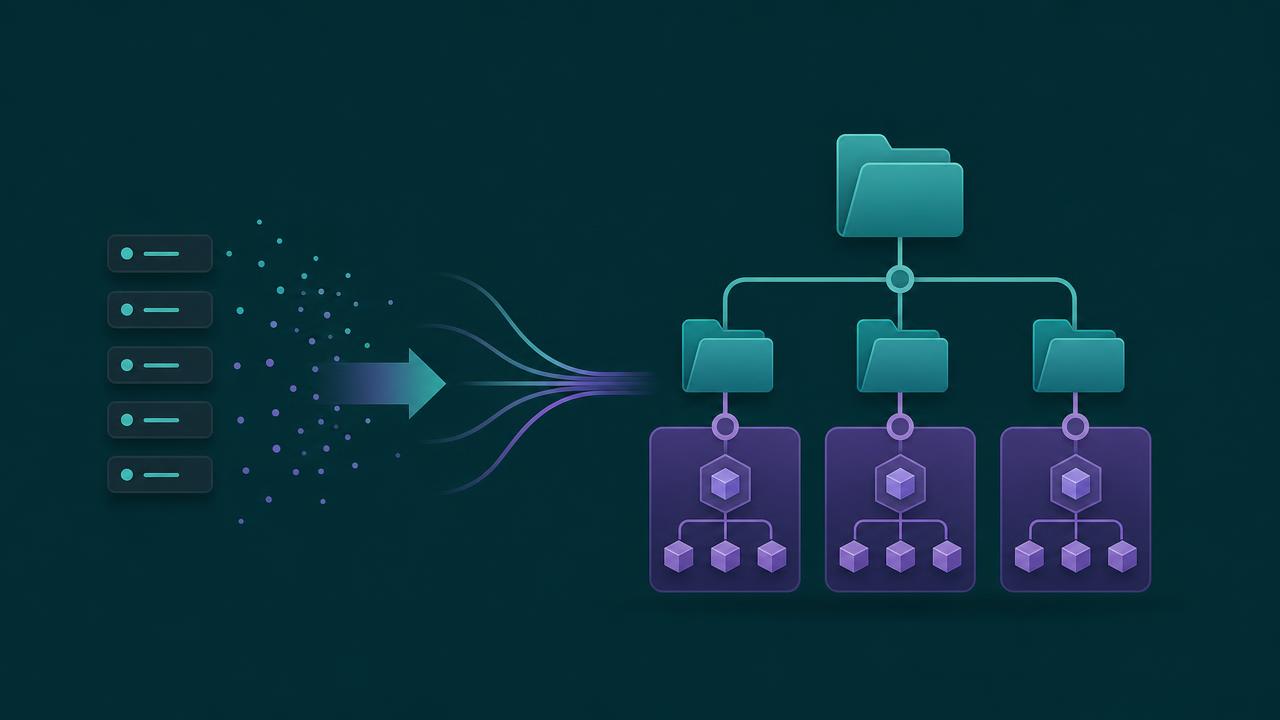
From slash commands to skills: why Claude Code is consolidating them
Slash commands are being absorbed into skills. A command is a named prompt template; a skill is a structured system. Here's when each makes sense and why the platform is shifting.
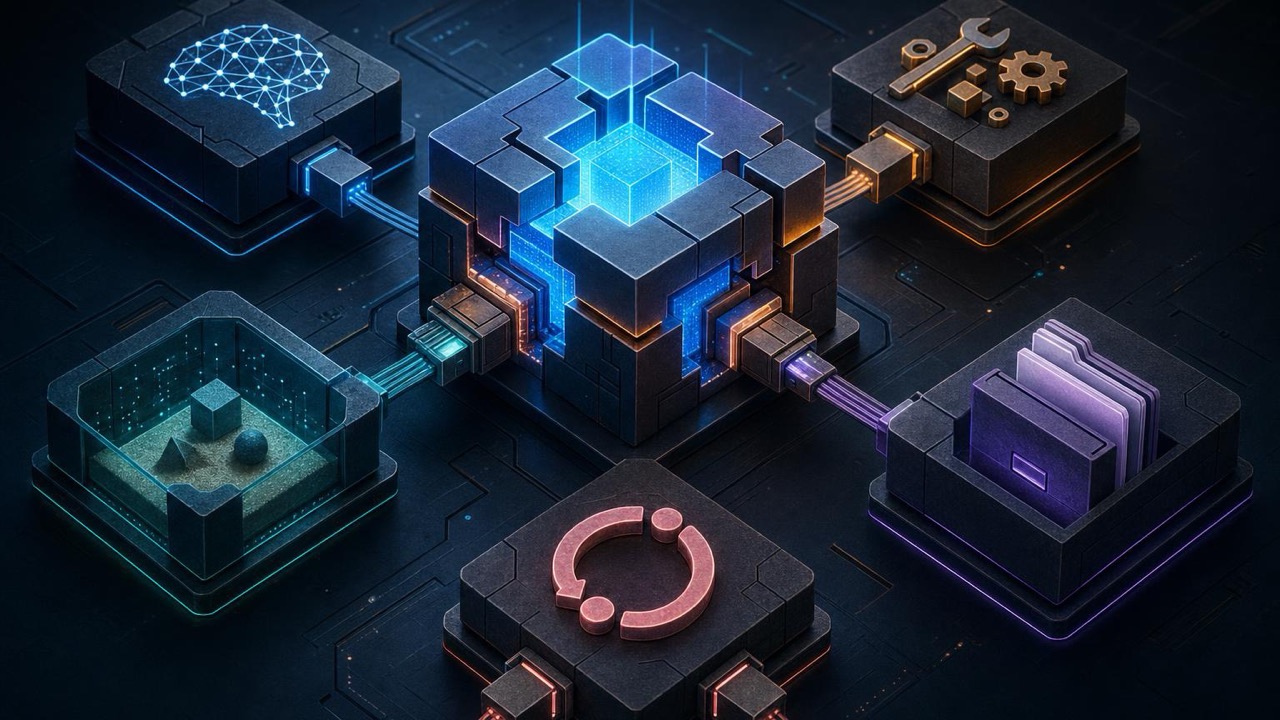
DeepSeek Harness vs Claude Code: the real advantage is replaceable parts
DeepSeek Harness is a developer-preview coding agent whose model, tools, sandbox, and loop are plugins. That makes it a useful experiment—not yet a drop-in Claude Code replacement.